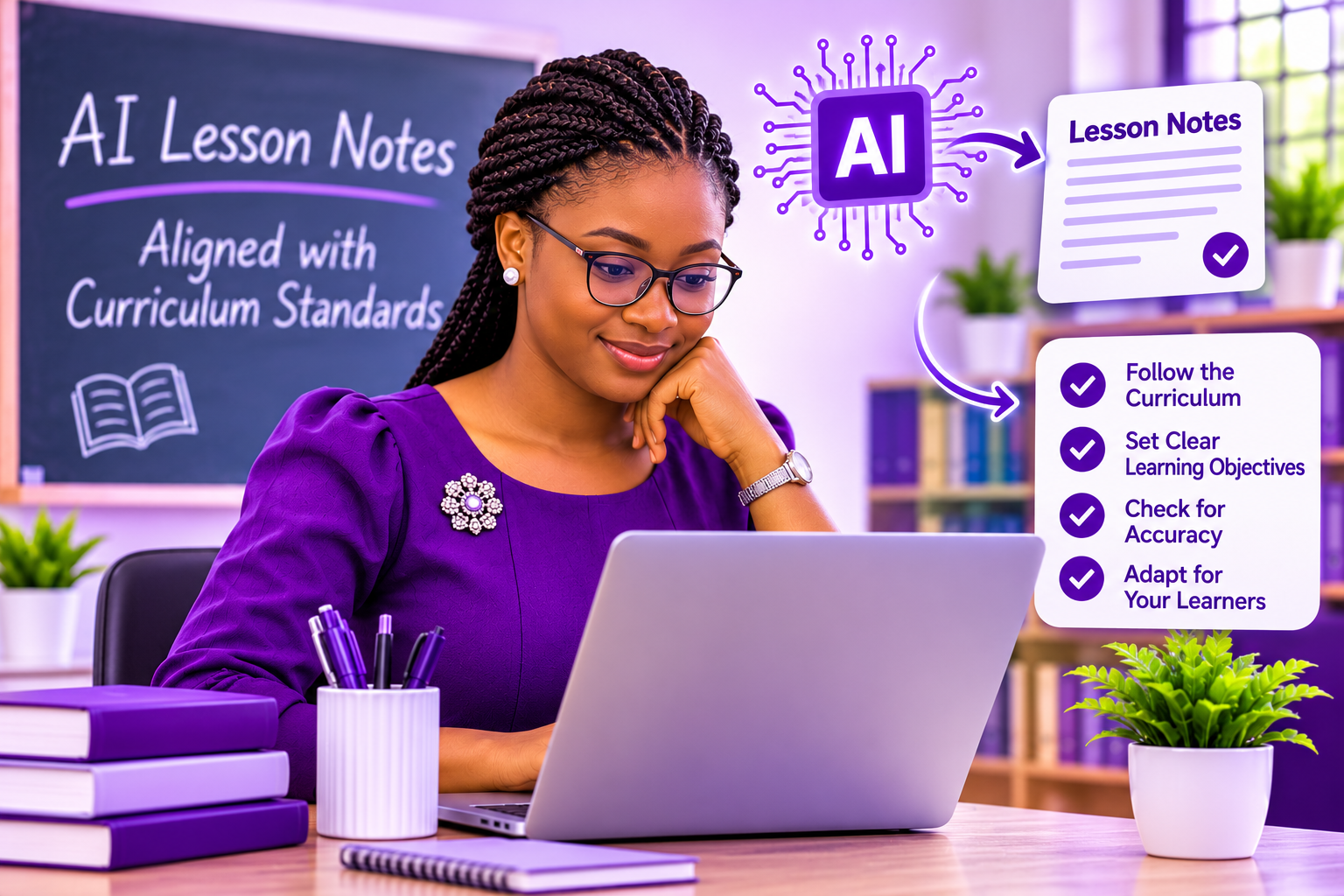
AI lesson notes can help Nigerian teachers prepare classroom materials more efficiently, but they still need to align with the relevant curriculum. The Nigerian Educational Research and Development Council (NERDC) provides national curriculum guidelines, while teachers must also consider their class level, scheme of work and school requirements. Tools such as ChatGPT and Gemini can draft lesson notes, but their output may include content that does not match the curriculum. Here is how to use AI while keeping your lesson notes within the required standards.
Table of Contents
ToggleYou can follow these steps using common AI tools such as ChatGPT or Gemini, even without advanced technical knowledge.
A lesson note is a teacher’s written plan for a lesson, detailing the topic, learning objectives, classroom activities and assessment. Curriculum standards establish what learners are expected to study and the competencies they should demonstrate. A lesson note is aligned when its objectives, content, activities and assessment reflect the requirements for the relevant class level.
A correct topic does not guarantee curriculum alignment. The objectives, lesson content and assessment should all match the expected learning outcomes.
AI tools generate responses based on the prompt and information learned during training. They may not have access to your school’s scheme of work or the specific curriculum version you are using. As a result, AI lesson notes may contain:
A lesson that moves away from the curriculum may leave gaps in the knowledge learners need for the next grade. It can also use valuable instructional time on content that is not required for that class level.
Keeping AI lesson notes aligned with the scheme of work helps teachers explain the basis of their lesson design and check that the planned content meets the relevant learning expectations.
Open the official curriculum or scheme of work for your class before using an AI tool. Identify the exact topic, subtopic and learning outcomes for the week. Do not ask the AI to guess which curriculum your school follows.
Gather the details the AI needs:
Include the relevant curriculum extract in your brief and instruct the AI to use it as the main reference for the lesson content. This helps limit unsupported additions. Simply stating “Follow the Nigerian curriculum” may not be enough because the AI may not know the exact requirements for your class and topic.
Ask the AI to flag any point it cannot verify from the curriculum extract. This makes it easier to identify sections that need manual review.
Compare the generated lesson note with the curriculum and scheme of work. Check that the objectives, content, activities and assessment align with the stated learning outcomes. Remove or revise anything that falls outside the approved scope.
Adjust the language, examples and activities to suit your learners and classroom conditions. Save the final lesson note alongside the prompt you used so you can reuse and refine it for future lessons.
Copy this prompt into ChatGPT or Gemini and complete the bracketed details.
Prompt:
Write a lesson note for [subject], [class], on the topic [topic].
Use the curriculum information below as your reference for what the lesson must cover. Include the learning objectives, previous knowledge, instructional materials, introduction, lesson development, teacher activities, learner activities, assessment, conclusion and assignment.
Keep the content suitable for the class level and lesson duration. Ensure that the activities and assessment match the learning objectives.
Do not add major concepts that the curriculum information does not mention. If you cannot confirm a point from the curriculum information, mark it “TO VERIFY”.
Duration:
Learning objectives:
School’s lesson-note format:
Curriculum information:
Before teaching from an AI-generated lesson note, verify that:
AI can present incorrect facts, definitions and calculations confidently. Verify important information before using it in class.
AI can reduce the time spent drafting and formatting lesson notes, leaving teachers more time for review and preparation. Supplying curriculum information helps keep the draft within scope, while a structured checklist can help identify errors and omissions.
Over time, teachers can build a collection of reusable prompts and reviewed lesson notes. A prompt that works for one topic may be adapted for another, provided the curriculum requirements are checked each time.
ChatGPT and Gemini can assist with preparing AI lesson notes, but they should not replace the curriculum or a teacher’s professional judgement. Start with the relevant curriculum, provide clear instructions and review the generated draft carefully. The curriculum should determine what you teach, while AI can help you organise and prepare the lesson.
